thoughts on the oppo ecosystem
introduction
I’ve been an Android user for quite a few years now. I've also been an iOS user for an even longer period, going back to the iPhone 3G. I decided to watch the Android ecosystem at the same time I decided to keep a separate work phone to my personal phone, and so made the decision to use Android for work while keeping iOS for personal use.
This separation of work and personal is important to me, particularly as a gay man – but in theory I could accommodate that all within the iOS ecosystem by running two separate Apple ID accounts. Given my interest in UX though, there is value for me in having constant exposure to both the iOS and Android ecosystems – and it does let the tech nerd in me play around with more variances of operating systems and platforms.
For several years I had focused on Samsung devices for the Android experience, even to the point of trying the Fold a couple of times (completely wasted money and time – a solution looking for a problem, and a constant need for more pocket room), and going through two Galaxy Classic watches, too. But, Samsung got a bit tiresome for me – good tech, but OneUI is a bit ho-hum. Yes, I could run my own launcher and supplant the OneUI experience (and I did, for the longest time, via Nova Launcher, now effectively dead), but Stock is an effective way of evaluating how an Android vendor works.
Before I’d used Samsung devices, I had used Oppo, but back then they had two key flaws in the ColorOS platform. The first was at some point it made it more difficult to install custom fonts (a must for me with Android). That could have been forgiven; but the real challenge was that earlier versions of ColorOS were so brutal with power management that convincing ColorOS an application was allowed to keep running – even say, a non-Oppo Widget for time on the launcher screen – was fraught with difficulty. Often requiring updating the power settings in multiple areas for an app, you might still find yourself suddenly realising that the main page 5 x 2 widget clock was still reading 9.57 when it was 21.57.
So I gave up on Oppo for Samsung.
Anyway, fast forward to May 2025 and having made the mistake of again investing in a Galaxy Fold (6), I decided I needed to change things up and switched to an Oppo Find X8 Pro after some research. Yes, it appeared they had toned down the aggressive power management on applications, and yes, it was now readily possible to change to (some) custom fonts again with minimum effort.
ColorOS 15, the latest iteration at the time that was on the Find X8 Pro, was to say the least, a dream. Sufficiently cutomisable, not a serial killer of apps that wanted to be able to run, and a nice set of tweaks that made using the phone fun. And fast. Oh so very fast.
This also led me to replace my Galaxy Watch (which had lost half of its functionality when no longer paired to a Samsung phone) with an Oppo Watch - the X2. I’ll get to that in a short while.
The Find X8 Pro was also a fantastic piece of hardware, too. So much so that even on weekends I found myself slipping the phone into my pocket as we went out. Remember, separate work and personal phones: one of the advantages of that is being able to leave your work phone behind out of hours. But the Find X8 Pro was good enough that I wanted to take it with me.
OK, so flash forward to the start of November and the Find X9 Pro was released, with the promise of a 200 megapixel main lens using, like the Find X8 before it, Hasselblad optics. So I decided to switch it up.
the camera
I‘m in the position to be able to compare two flagships here – the iPhone 17 Pro Max and the Find X9 Pro. Both have stellar optics and I love using the iPhone as much as I do the Oppo for photography. For the images below, the primary Oppo image is shown using the Hasselblad mode at 50MP, but there is a link to the 200MP version of the image as well.
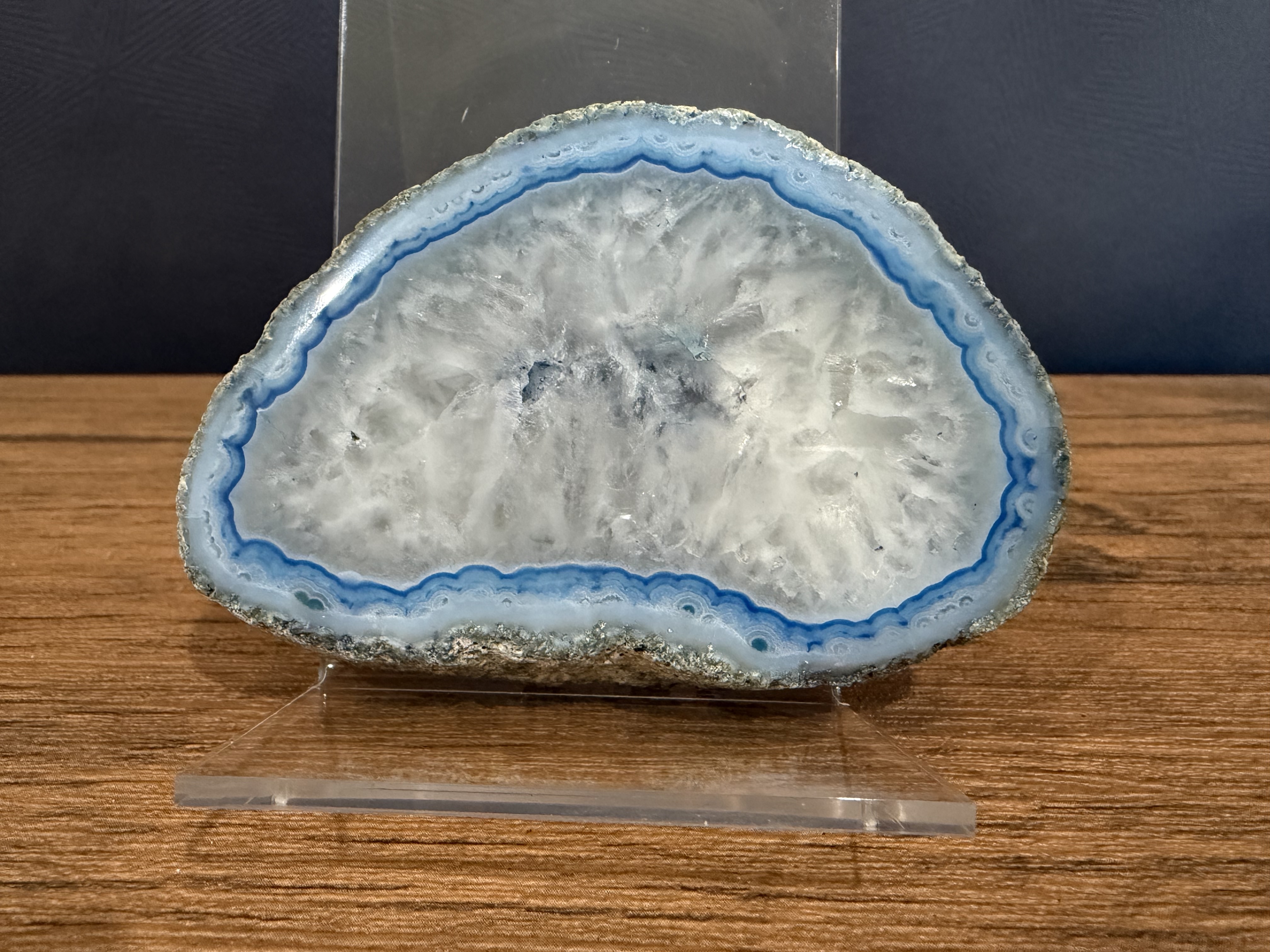
Rock – iPhone 17 Pro Max 48MP (HEIC Converted to JPG at 90%), 1x Zoom Full image: here
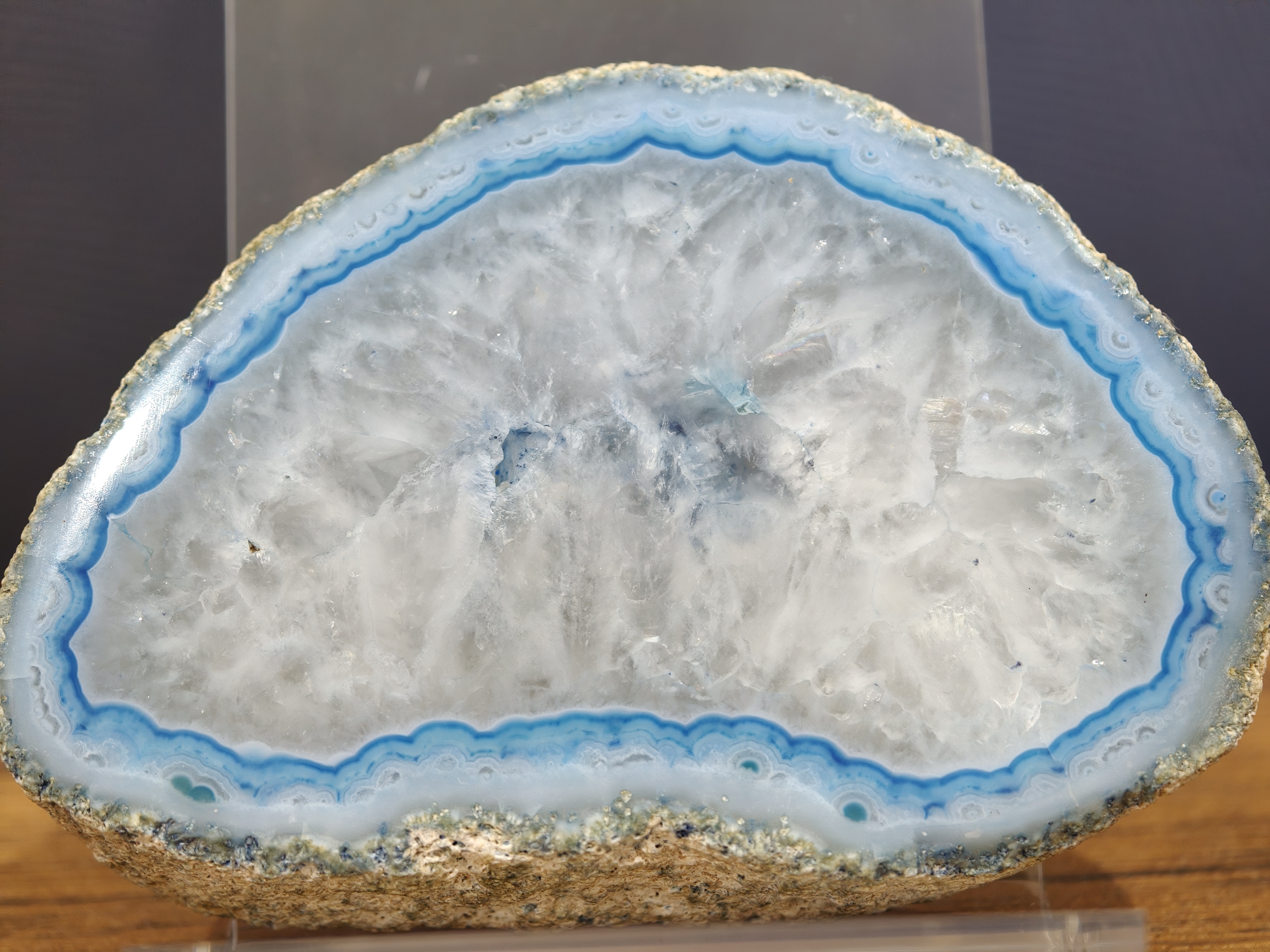
Rock – Oppo Find X9 Pro 50MP Hasselblad, 3x Zoom 50MP 200MP
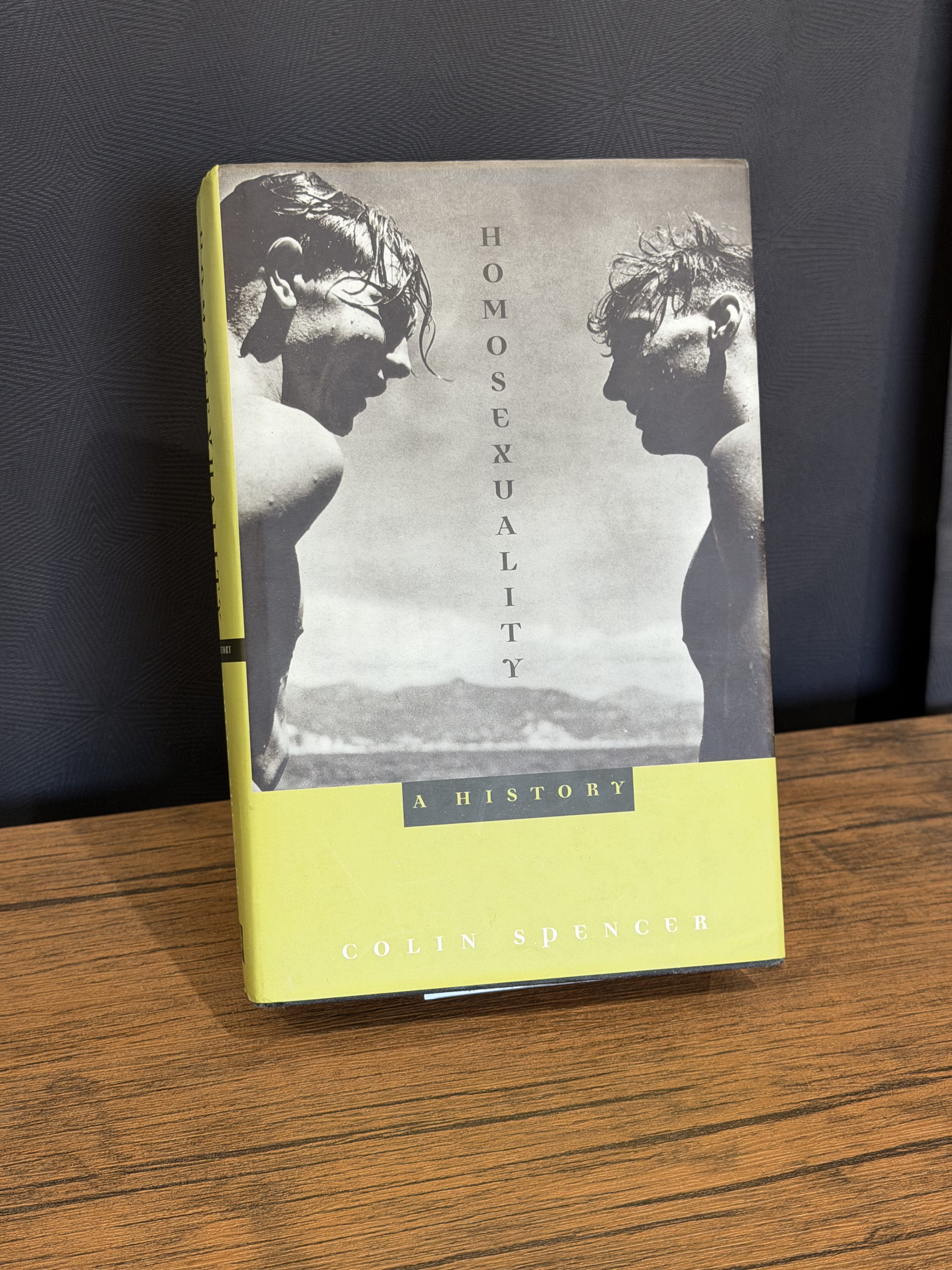
Hardcover Book – iPhone 17 Pro Max 48MP (HEIC Converted to JPG at 100%), 2x Zoom Full image: here

Hardcover Book – Oppo 50MP Hasselblad, 3x Zoom 50MP 200MP
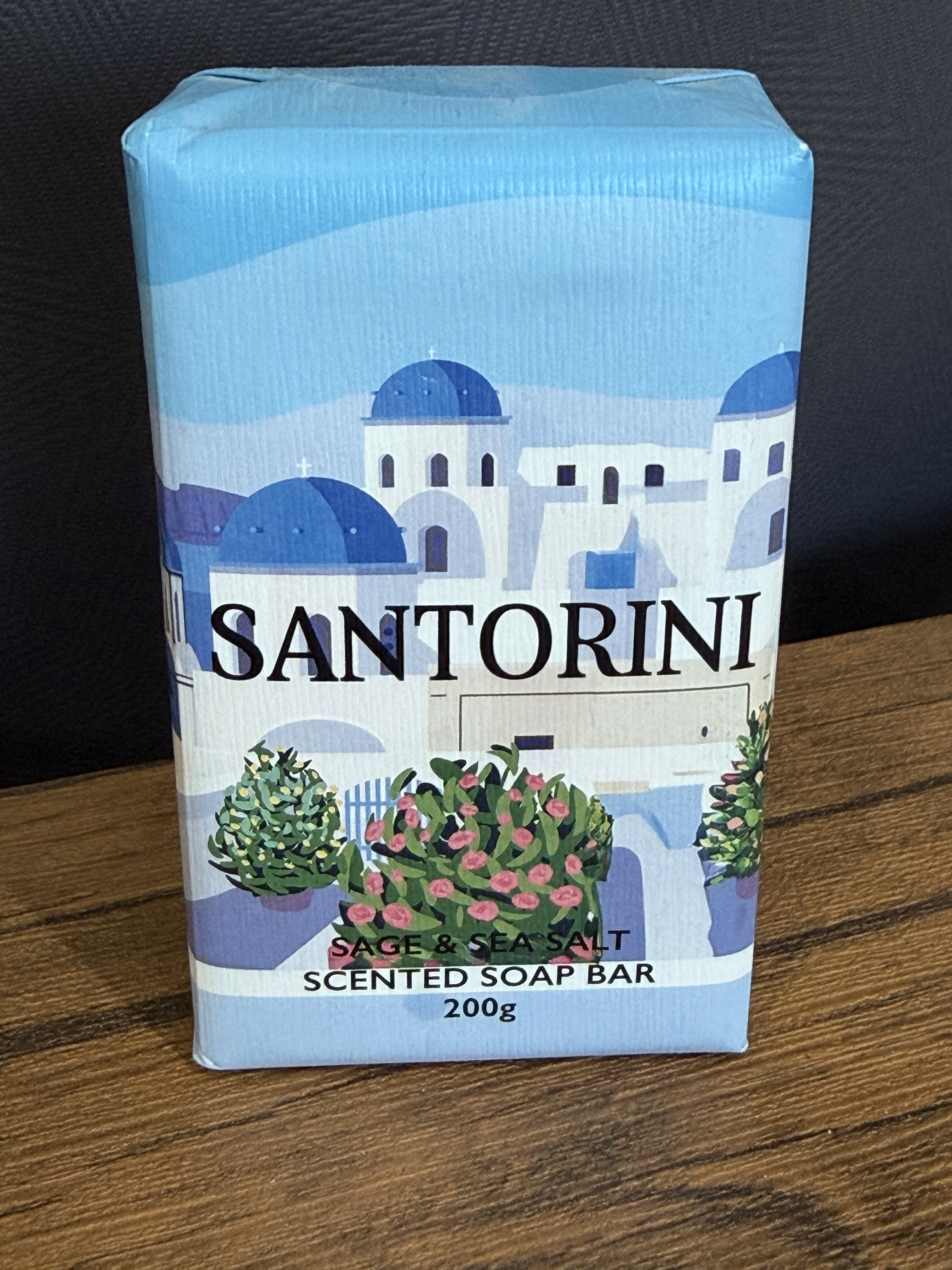
Bar of Soap – iPhone 17 Pro Max 48MP (HEIC Converted to JPG at 100%), 2x Zoom Full image: here
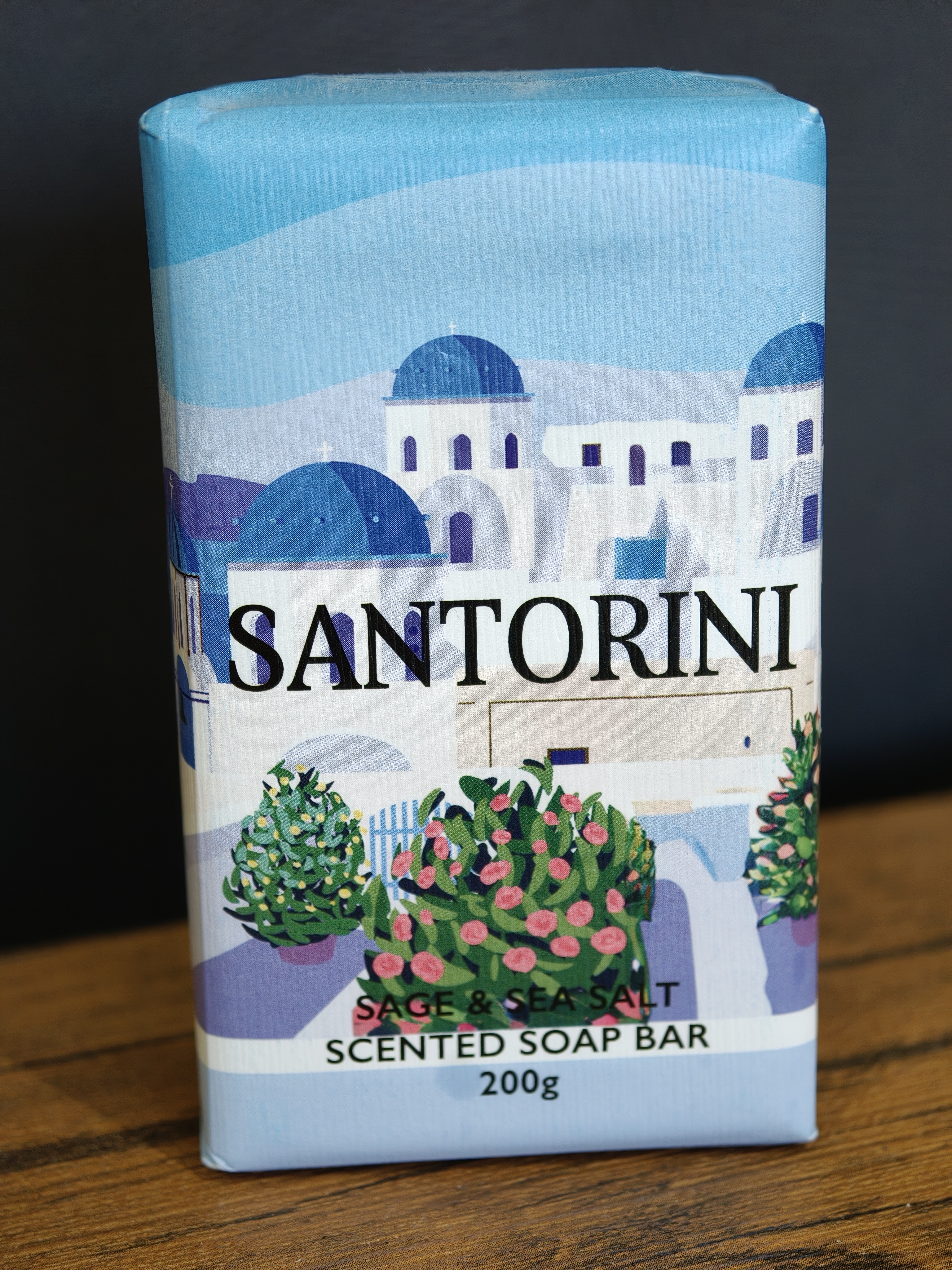
Bar of Soap – Oppo 50MP Hasselblad, 3x Zoom 50MP 200MP
One final image – not a comparison with the iPhone, but one where the detail really pops for the Oppo, and that's one of some lavender plants I took a month or so back. The full 200 MP version can be accessed here.
Overall, I can’t fault the optics in the camera on the Oppo – they’re crisp and have a reasonable degree of vibrancy without the super-saturation so typical of say, Samsung phones. All of the above photos have been left as-is, with no adjustments. In terms of camera options, you get all the standard software options – Video, Photo, Portrait, Time-Lapse, Long Exposure, etc.
battery life
On the Apple side of the fence at the moment, I have the iPhone 17 Pro Max, and an Apple Watch Ultra 3. Neither of these are slouches when it comes to battery life. I have the Nano SIM model for my iPhone which has 4,823 mAh of battery power, and it gets me through a day without any issue. The Watch Ultra 3 has a 599 mAh battery which comfortably runs for around 2 days – though I rarely leave it off the charger for that length of time; with both watches I tend to charge them while I’m showering, for instance.
When it comes to battery life, this is where Oppo takes Apple out into a field and plows it into the ground. Then stomps on the ground and pours some concrete on top. The Find X9 Pro has taken this to new levels with a 7,500 mAh battery – it’s a beast and easily handles multiple days without charge. Now, admittedly my usage profile of the Oppo is less than the usage on the iPhone, but it remains impressive. The Oppo Watch X2 also runs rings around the Ultra 3 – a 648 mAh battery may not seem like a lot more than the Ultra 3 at 599, but the overnight hibernation mode the watch goes into (while still gathering sleep data, pulse rate, etc.) seems to be one of the big savers here. It’ll often still be at 80% or higher charge when the Ultra 3 is down to 60% or lower. And when I still had the Ultra 1, the disparity was even bigger.
Where the watches are concerned, the wear and usage levels are pretty comparable; the Apple Watch Ultra 3 sits on my left wrist except when it‘s charging or I‘m showering, and the Oppo Watch X2 sits on my right wrist except when it’s charging, or I’m showering. Since my Oppo suite is used for work, there may be times of an evening where I’ve had enough and I leave the Watch X2 charging for longer than strictly necessary, just for a break from notifications, but on an average day, they’re both used similarly – checking the time, tracking exercise, performing ad-hoc pulse and ECG readings, and checking international times (world clocks running in both watches for some of the time zones I need to be across).
updates
Apple confuses me. For a company so enamoured of the user experience, they seem not to give the slightest damn about the amount of time it takes for an Apple Watch to update. And this has been getting progressively worse. Even more so that it’s so totally random. When I bought the Watch Ultra 3, it insisted on doing an OS update before being able to transfer from the Ultra 1 – a 448 MB (or thereabouts) update that took well over 4 hours to prepare after downloading. A later 2+ GB update to watchOS 26.1 took less than an hour. watchOS 26.2 took closer 2. It’s like everyone at Apple involved in watchOS are pathologically uninterested in optimising this process.
Where this rankles is the anal-retentive requirements for updating your Apple Watch: it must be charged to 50% or more, and it must remain on its charger throughout the process. You'd think if people were that concerned about the fidelity and success of the operation, they’d also care about the time of the operation.
Android Wear, powering the Opoo Watch, is by comparison, fast and efficient. A large update takes longer than a small update, but either size is relatively fast, and appropriate for the size of the update. Also, you can update while the watch is still on your wrist. Amazeballs.
On the phone side of things, there’s no discernable difference between the Oppo and Apple ecosystem when it comes to OS updates – they take about what you’d expect from a flagship device in either scenario.
launcher
I want to make this about the stock launcher included in ColorOS – which, overall, is pretty decent. With one BUT I’ll get to in a moment.

Oppo’s ColorOS 16 Launcher.
Overall, the stock ColorOS launcher is pretty decent, and has some nice features, too. One of the things I particularly like is being able to make more applications accessible by allowing for different sized folders. You can resize an application folder from its normal 1-icon square to a 2x2 icon square (as shown in my "Work Apps" folder above) where the first 8-9 application icons are presented as fully launchable. No need to go into the folder, just tap the icon and launch straight into it. If there are more than 9 applications in the folder, they start to be packed into the remaining 9th icon position, and tapping those will open the folder in the conventional way to run an application. Likewise, a folder can be expanded to occupy a 2x1 icon space, either horizontally (see "Utils" above), or vertically (see "Office" above), for easy access to some of the applications again.
Now for something where the Android experience can be tedious: Having switched from the Find X8 Pro to the Find X9 Pro, I would have rather enjoyed the automated transfer process to also handle setting up the stock launcher on the 9 with the same layout as the stock launcher on the 8. However, that was a big fat no – after the transfer was complete I had the boring and exasperating process of having to step through adding every application I needed to the home screen on the 9. Now, if it were a Samsung to Oppo conversion or something like that, I can imagine it not working – but Oppo to Oppo? That’s a let-down and it remains a frustrating thing for me after all these years of using Android, compared to iOS. (And yes, I know that it can be mitigated by using third party launchers like Nova, which allow for backup and restore of your home screen layout.)
The one area that I’m really exasperated by with my ColorOS experience now seems to be a feature of ColorOS 16, which came with the Find X9 Pro: Oppo, in their infinite wisdom, seem to have decided that you can’t add Work Profile widgets to your home screen. Despite supporting it with ColorOS 15. Given I use Android for a work phone, and the most basic thing I want running on it is an Outlook calendar widget, this is a really annoying choice on Oppo’s part. Again, yes, I could run another launcher to get this functionality (e.g., I have verified that hyperion launcher will give me access to work widgets on my home screen), but it still feels like such a retrograde step back from Oppo.
interoperability
For the most part, Oppo seem keen to make interoperability between their own products a streamlined process. I wouldn’t say they’ve reached Apple levels of interoperability, but they come pretty close. When I bought the Find X9 Pro, for instance, I got a pair of the Enco 3Xs headphones, and the pairing experience for them was pretty similar to the pairing experience between an iPhone and AirPods. So if you’re wanting something that focuses on ease of operations, you could do worse. (On the flip side, I will note that when I transferred from the Find X8 Pro to the Find X9 Pro, I lost all my stats for the day for health and fitness – though this may have transferred easier if I’d set up an Oppo account for secure storage of this data.)
Interoperability though is extended to iPhones. While not the same ease as AirDrop, Oppo comes with the ability to “airdrop” to iPhones via an app called Q+ Connect that you can install on an iPhone. This effectively creates a short-term WiFi connection between the iPhone and the Oppo for file transfer, and is particularly useful for photo transfers – but I would note again that it’s hardly the seamless experience you get with iPhone to iPhone. Still, if you ended up being an Oppo user in a house full of iPhone users, there would be worse ways for ad-hoc sharing than using Q+ Connect.
final thoughts
Oppo get accused a lot of mimicking the Apple experience, and there is at times a fine line between flattery and plagiarism; I would say that in earlier versions of ColorOS when Oppo were still working out what they stood for, they erred on the side of the latter; but with more recent versions of ColorOS – 15 and 16 – while you can see the heritage of their design ethos, they’ve also pushed into the doing their own thing territory. So you end up getting a premium feeling experience within their ecosystem which isn’t just a copy-and-paste feeling when compared to other phone vendors – be that Apple, Samsung or others. These days, ColorOS is a mature offering that stands on its own.
I suspect I’ll be staying within the Oppo ecosystem for quite a while now.
Disclaimer: All content is the work of the individual and is in no way affiliated with or representative of any employer, past or present.